Lot & batch tracking
Lot and batch tracking software for stock that changes from run to run.
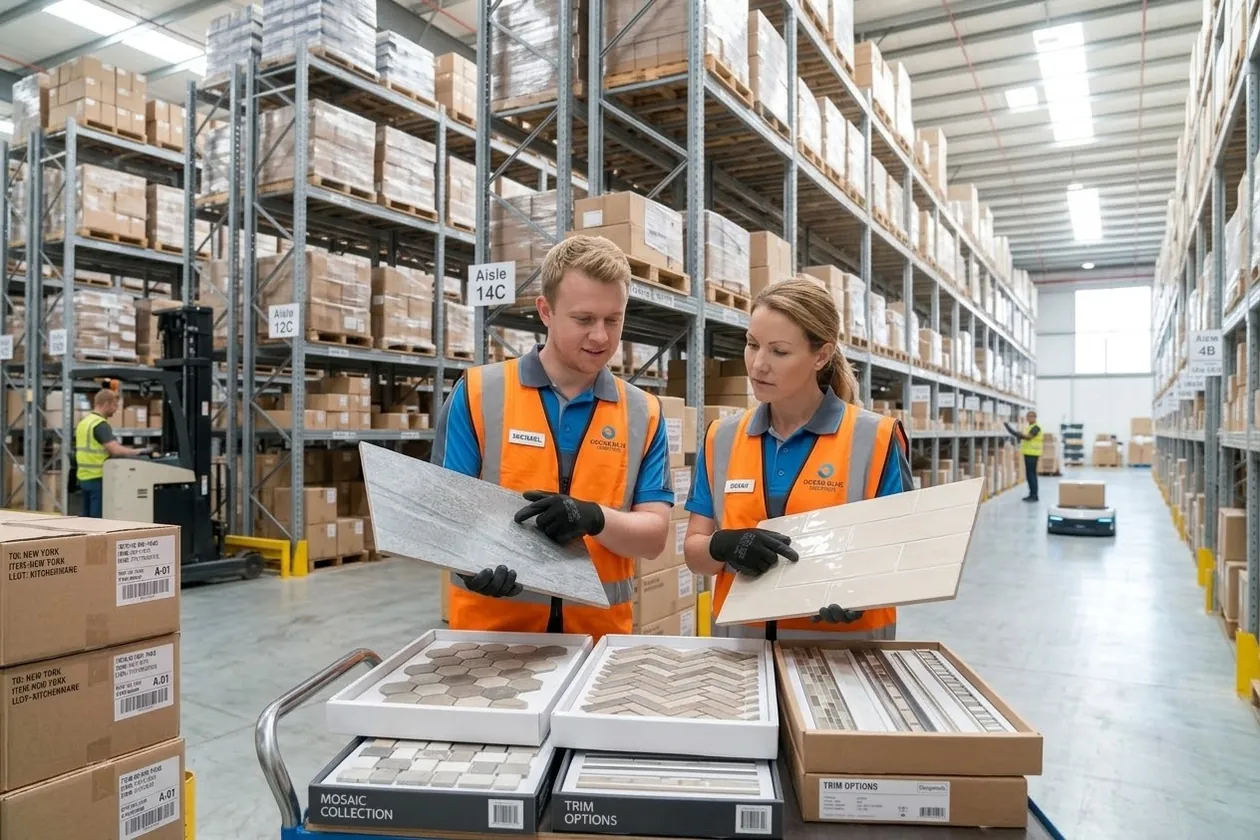
Tiles, stone, flooring, paint and fabric change a little from one production run to the next. Lotwisely keeps every box with its lot, shade and shelf — from the day it arrives to the day it leaves on the truck — so each job gets one matching lot and you always know what you can really sell.
14-day free trial · No card needed · See the prices
The idea
What is lot tracking?
Lot tracking (also called batch tracking) means recording which production run each item came from, and keeping that with the stock on every shelf, order, invoice and delivery. Ordinary inventory software counts a product code; lot tracking software counts each run of it separately.
Lot or batch
The production run a box came from. Two runs of the same product can look or behave a little differently, so the lot number goes with the stock.
Shade
For tiles, stone, timber and wallpaper: the colour of that run. Shade 3 and Shade 4 of the same tile should not go on one floor.
Calibre and dye lot
Calibre is a tile’s exact size in that run; a dye lot is the shade of a run of fabric or yarn. Lotwisely keeps them with the lot.
Why it matters
Without lots, the same few problems come back every week.
Two shades on one floor
Two pallets of the same product arrive from different runs. Someone picks from both, and the customer sees the line down the middle of the room.
“Can I have three more boxes?”
Months later the customer needs more for the same job. Nobody knows which lot they had, and the new stock does not match.
Sold twice
The lot on the shelf is already promised to a job next week, but the counter sells it today because the system only knows the product code.
Which shelf?
The warehouse has the product in three places and spends the morning looking for the right lot.
How Lotwisely does it
From the container to the customer’s truck
1 · Receiving
The lot is written down when the goods come in
At the container or the dock, the warehouse enters each line’s lot number, shade and shelf on the phone — and can take a photo of the real shade. Products that don’t need a lot are simply counted.
2 · Stock
Every product, lot by lot and shelf by shelf
Open a product to see each lot and shade, where it sits, how much is on hand, how much is already promised and how much is free to sell — in every branch.
3 · Selling
One job, one lot — suggested, then confirmed by a person
On an invoice, Lotwisely suggests the lot that covers the whole line, or the one the customer had before. Mixing shades needs an Owner or Admin and a reason. Sales are in whole boxes: type the m² needed and it works out the boxes.
4 · Before you promise
See what is free, reserved and on the way
The Selling check lines up stock, containers by ETA and every order by its needed-by date, so you can see the day you would run short before you say yes.
5 · Packing
The right lot leaves the right shelf
Packing on the phone lists every line with its lot and shelf. Scan the shelf label and Lotwisely checks it is the lot on the order; the packing slip shows the shade for the installer.
Made for businesses whose stock varies
The same app, set up with the words and units of each trade.
Every box the same? Lotwisely without lots costs about 40% less.
Questions
Lot tracking, answered
What is the difference between a lot, a batch and a shade?
A lot and a batch are the same idea — one production run — and businesses use whichever word they know. A shade is the colour of a run. In Lotwisely you choose the word your team uses (Lot, Batch or Shade) and it is used on every screen and document.
Do all my products need lots?
No. Each product is either kept by lot, counted without lots (adhesive, tools) or not stocked at all (delivery, services). Businesses that keep no lots at all can switch lots off — see Lotwisely without lots.
Can customers see the real shade?
Yes. Up to six photos can be kept with each lot, taken on the phone when it is received. They show at the counter, on the invoice’s lot choice and when packing.
Does it work with my accounting software?
Yes. Invoices, payments, credit notes, supplier bills and returns go to Xero or QuickBooks Online by themselves. Stock and lots stay in Lotwisely.
Can I try it without entering my own data?
Yes. Start a free 14-day trial (no card) and open the sample tile shop: two branches, stock in lots and shades, orders, a late container and a delivery to pack.
Try it in two minutes
- Create an accountYour email and a password. We send one email to confirm it.
- Open the sample companyA tile shop with two branches, lots and shades, orders, a late container and a credit note.
- Change anythingSell, receive, deliver, return. The sample is yours alone — nobody else sees it.